Game Turbo vs Game Space vs Gaming Hub? Ultimate Gaming Mode Comparison - Complete Guide
🎮 Gaming Modes on Smartphones Compared: Gaming Hub, Game Booster, Game Turbo & Game Space
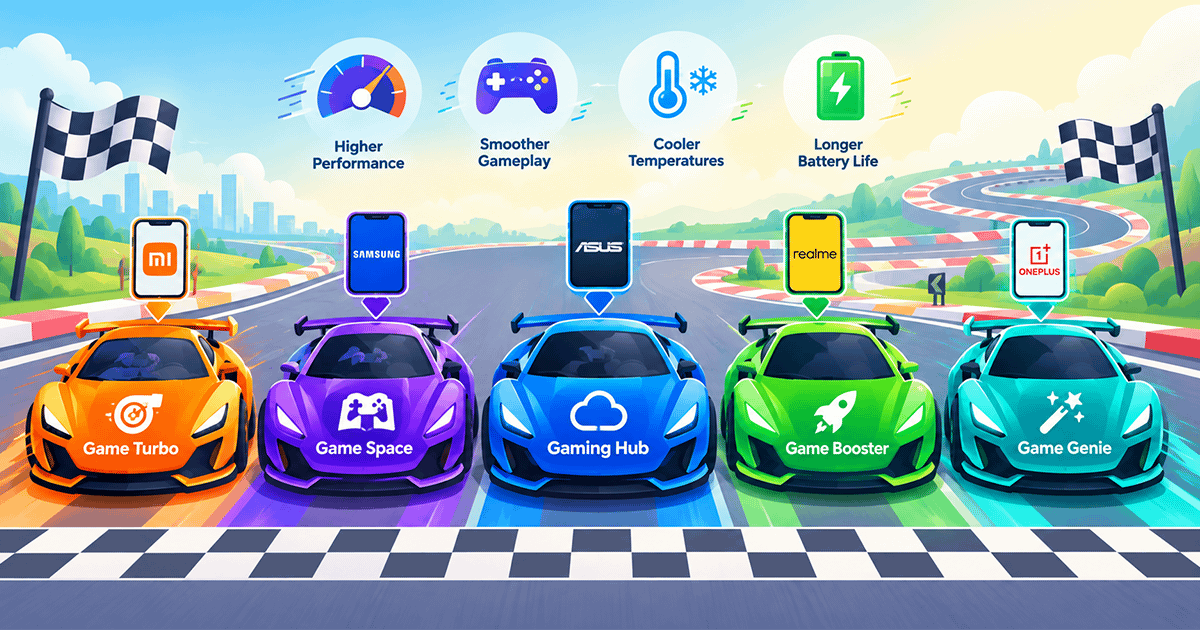
If you're a mobile gaming enthusiast, you've surely heard terms like "Game Turbo," "Game Space," or "Gaming Hub." They might all sound like marketing names for the same tool, but the truth is that each manufacturer has developed its own unique gaming mode system, each with a different philosophy and exclusive features. In this guide, we'll compare the most prominent gaming modes in 2026: Game Turbo and Game Space from Xiaomi, Gaming Hub and Game Booster from Samsung, and Game Genie from ASUS, to help you understand the differences and choose the phone that best suits your needs.
📜 1. The Evolution of Gaming Modes: From Game Turbo to Game Space
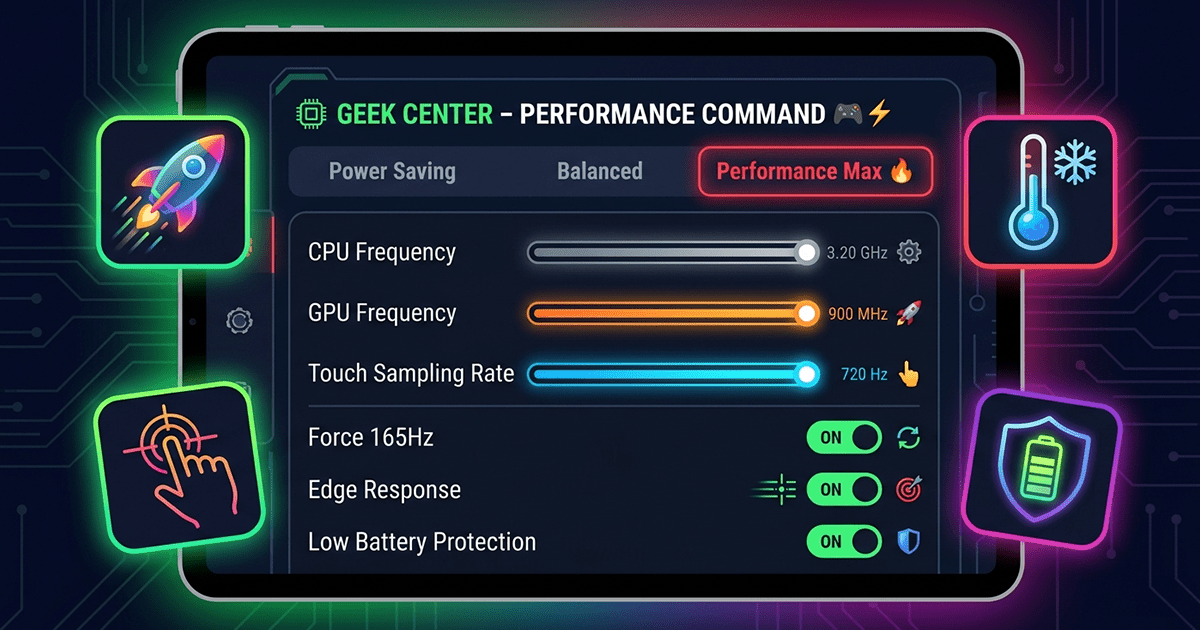
In 2019, Xiaomi launched "Game Turbo" as a tool to enhance gaming performance on its phones. The idea was simple: optimize CPU and GPU usage, reduce latency, and provide performance monitoring and screen recording. Game Turbo remained the standard for years, but with the evolution of HyperOS, Xiaomi decided to completely replace it with "Game Space" in 2026.
The change wasn't just a rebranding. The fundamental difference between Game Turbo and Game Space is that the former applied uniform performance settings to all games, while Game Space offers custom performance profiles for each individual game. This means you can set PUBG Mobile to maximum performance mode with "Do Not Disturb" enabled, while setting Genshin Impact to a mode focused on graphics quality with improved thermal management. These settings are saved automatically and activated every time you open the game.
🆚 2. Head-to-Head: Game Space vs Gaming Hub vs Game Booster
To better understand the differences, here's a table comparing the most prominent gaming modes in terms of philosophy and core features:
| Comparison Point | Game Space (Xiaomi) | Gaming Hub (Samsung) | Game Booster (Samsung) |
|---|---|---|---|
| Primary Function | Integrated gaming hub + performance optimization | Game library + cloud streaming + recommendations | In-game performance optimization |
| Per-Game Profiles | ✅ Yes (core feature) | ✅ Yes (via Game Booster) | ✅ Yes (individual customization) |
| Automatic Library Organization | ✅ Yes | ✅ Yes (combines Play Store & Galaxy Store games) | ❌ No (only appears during gameplay) |
| Cloud Streaming | ❌ No | ✅ Yes (Xbox Cloud, GeForce NOW, Amazon Luna) | ❌ No |
| Aesthetic Customization | ✅ Extensive (wallpapers, animations, widgets) | ✅ Limited (unified interface) | ❌ No |
| Do Not Disturb Mode | ✅ Integrated | ✅ Via Modes and Routines | ✅ Integrated (basic) |
The table shows that Samsung separates "library" (Gaming Hub) from "performance tool" (Game Booster), while Xiaomi combines them into a single app (Game Space). Both approaches have their merits, but integration into one app provides a smoother user experience.
🔬 3. Xiaomi's Game Space: Full Details
Game Space is Xiaomi's next-generation gaming tool, having replaced Game Turbo in the HyperOS update. Here are its key features:
🔹 Automatic Library Organization
As soon as you install a new game on your phone, it's automatically added to Game Space without any manual intervention. The system also identifies games you play frequently and puts them at the front, preventing home screen clutter.
🔹 Custom Performance Profiles
This is the standout feature. You can set different settings for each game:
- Competitive Games (PUBG, CODM): You can enable high-performance mode with response priority, and automatically activate "Do Not Disturb" to prevent calls and notifications from interrupting gameplay.
- Open-World Games (Genshin Impact): You can choose settings focused on graphics quality while controlling device temperature to prevent overheating during long sessions.
🔹 Aesthetic Customization
Game Space offers extensive customization options: custom wallpapers, launch animations, and widgets inspired by your favorite characters. These options don't affect performance but make the gaming environment more personalized and enjoyable.
✅ Best for: Xiaomi phone users (Redmi, POCO, Xiaomi) who want precise control over each game's performance, with a complete gaming experience.
🏢 4. Samsung's Gaming Hub and Game Booster: Ecosystem Integration
Unlike Xiaomi, which integrates everything into one app, Samsung prefers to separate tasks between two apps that work together:
🔹 Gaming Hub: The Game Center
Gaming Hub is a standalone app that serves as a central library for all your games, whether from Google Play or Galaxy Store. In the CES 2026 update, Gaming Hub received a new interface with personalized game recommendations, videos from content creators, and a rewards system based on daily streaks and achievements. The standout feature is integrated cloud streaming that supports services like Xbox Cloud Gaming, GeForce NOW, and Amazon Luna, allowing you to play AAA games without installing them on your phone.
🔹 Game Booster: The In-Game Performance Tool
Game Booster is a separate app that appears as a floating menu during gameplay, offering real-time performance optimization tools. In One UI 7, the "High Performance Mode" option moved to the top of the Game Booster settings menu for easier access. Individual per-game customization also became easier, as you can adjust the optimization level, frame rate (FPS), screen resolution, and "Frame Booster" settings independently for each game.
It's important to note that "Do Not Disturb" mode is no longer inside Game Booster itself; it has moved to the Modes and Routines app, where you can create a "Gaming Mode" that activates automatically when you launch games.
✅ Best for: Samsung Galaxy users who want a central game library, cloud streaming capability, and deep integration with One UI.
🚀 5. ASUS ROG's Game Genie: Maximum Professionalism for Hardcore Gamers
If Xiaomi and Samsung target the average user, ASUS ROG Phone targets professional gamers without a doubt. Game Genie is a floating control panel that appears when you swipe any corner from the top of the screen toward the center, offering tools you won't find on any other phone.
🔹 Real-Time Performance Monitoring
You can monitor frame rate (FPS), SoC temperature, CPU usage, and GPU usage directly during gameplay, without leaving the game.
🔹 Advanced Control Tools
Game Genie supports configuring physical buttons (AirTrigger) for each game individually, giving you a competitive edge in shooter games. You can also record macros (repeated command sequences) and run them automatically.
🔹 Smart Recording
The AI-powered "X Capture" feature automatically detects important events (like kills, wins, deaths) and records them without any intervention from you.
🔹 PiP (Picture-in-Picture) Mode
You can watch a YouTube video or browse the web in a small window while waiting for your turn in the game.
✅ Best for: Professional gamers and competitive gaming enthusiasts who want maximum control over every detail of the gaming experience.
📱 6. Other Modes Worth Mentioning
Besides the main modes mentioned, there are other modes on different phones worth noting:
🔹 OnePlus Game Space
On OnePlus phones, there's a "Game Space" app similar in style to Xiaomi's, but it features a racing-inspired interface with a redesigned performance panel, a "Message Box" to collect unread notifications, and an "Immersive Mode" that blocks all interruptions. It also supports "Game Fluid Cloud," which displays a respawn timer in competitive games on the lock screen.
🔹 Realme Game Space
On Realme phones, there's a "Game Space" mode that was renamed to "Games" in realme UI 3.0. It offers multiple performance modes: Low Power Mode, Balanced Mode, and GT Mode (maximum performance). It also supports "Burn Mode," which requires connecting an external cooler to activate maximum possible performance.
⚖️ 7. Comprehensive Comparison Table of All Modes
| Mode | Company | Key Feature | Best For |
|---|---|---|---|
| Game Space | Xiaomi | Individual per-game profiles + automatic organization | Precise control over each game |
| Gaming Hub | Samsung | Central library + cloud streaming | Cloud streaming and game organization |
| Game Booster | Samsung | In-game performance optimization | Adjusting performance during gameplay |
| Game Genie | ASUS ROG | Live monitoring + macros + smart recording | Professional gamers |
| Game Space | OnePlus | Racing interface + smart notifications | Daily gaming use |
| Games | Realme | Multiple performance modes + Burn Mode | Performance flexibility as needed |
✅ 8. Conclusion: Which Gaming Mode Should You Choose?
- If you're a Xiaomi/POCO/Redmi user: Game Space is your only option, and it's excellent with its individual per-game profiles.
- If you're a Samsung user: Gaming Hub + Game Booster give you a central library, cloud streaming, and precise performance control.
- If you're a professional gamer seeking maximum control: ASUS ROG Phone with Game Genie is the undisputed best choice.
- If you're a OnePlus or Realme user: You have good modes that offer a balance between performance and customization.
Ultimately, there's no absolute "best" mode. It depends on the types of games you play, how much control you want, and the manufacturer of your phone. But thanks to this comparison, you now know what each mode offers and whether it suits your gaming style.