Screen Refresh Rate Comparison: 60Hz vs 90Hz vs 120Hz vs 144Hz
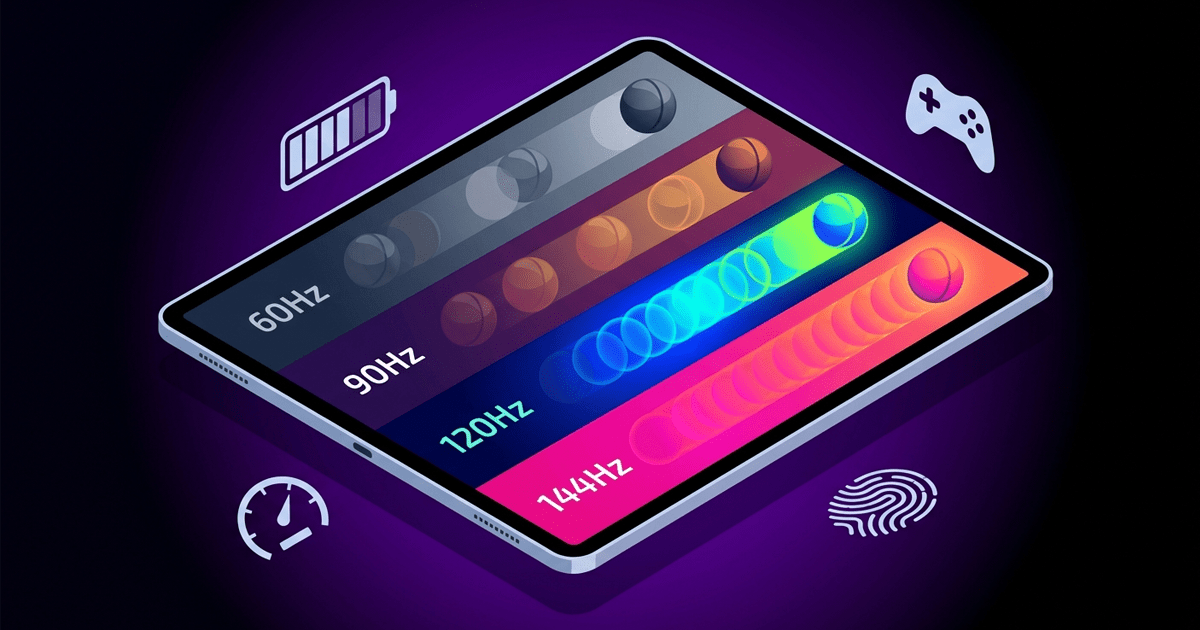
📱 Screen Refresh Rate Explained: 60Hz vs 90Hz vs 120Hz vs 144Hz – Which One Should You Choose?
When buying a new phone today, you'll see numbers like 90Hz or 120Hz listed in the display specifications. Are these just marketing gimmicks, or do they make a real difference in user experience? In this comprehensive comparison, we'll explain everything you need to know about refresh rates and pit them against each other in terms of smoothness, battery consumption, price, and which user type each suits best.
📖 1. What Is Screen Refresh Rate?
Screen refresh rate is the number of times per second your display redraws the image, measured in Hertz (Hz). Simply put: a 60Hz screen redraws 60 times per second, while a 120Hz screen redraws 120 times per second. The higher the rate, the smoother and more responsive motion appears—especially when scrolling, gaming, or navigating through fast-moving content.
⚖️ 2. Quick Comparison of the Four Refresh Rates
Before diving deep, here's a summary table highlighting the key differences:
| Rate | Smoothness Level | Battery Impact | Price Range | Ideal For |
|---|---|---|---|---|
| 60Hz | 🟡 Basic / Acceptable | 🟢 Low | 🟢 Budget | Basic daily tasks |
| 90Hz | 🟢 Noticeably Better | 🟡 Moderate (+10-15%) | 🟡 Mid-range | Mid-tier phones |
| 120Hz | 🔴 Very Smooth | 🟠 High (+20-25%) | 🔴 Premium | Flagships & gaming |
| 144Hz | 🟣 Ultra Smooth (Pro) | 🔴 Very High (+25-30%) | 🟣 Highest tier | Pro gaming phones |
📱 3. 60Hz – The Classic Standard
This was the industry standard for years and remains common in budget and lower-mid-range phones. A 60Hz screen offers a "good enough" experience for average users. Scrolling through social media or watching videos is acceptable, but when compared side-by-side with a 120Hz display, the difference is immediately obvious.
- ✅ Pros: Excellent battery efficiency, lower cost, sufficient for most non-interactive apps.
- ❌ Cons: Some visible "judder" or motion blur during fast scrolling; not ideal for competitive gaming.
✨ 4. 90Hz – The True Entry Point to Smoothness
90Hz emerged as a sweet spot between performance and cost. The difference between 60Hz and 90Hz is the most noticeable to the human eye. Switching from 60 to 90 makes the phone feel immediately "faster" and "more responsive." Most average users don't need more than 90Hz for an excellent experience.
- ✅ Pros: Significant smoothness improvement without major battery drain, affordable, available in upper-mid-range phones.
- ❌ Cons: Not "maxed out" for hardcore gamers; you might notice the difference after experiencing 120Hz.
🚀 5. 120Hz – The Flagship Standard
This is the refresh rate that changed the game. 120Hz is now the standard for flagship devices like the Samsung Galaxy S series and iPhone Pro models. Scrolling becomes incredibly "silky smooth," and games that support 120FPS feel completely different. Going back to 60Hz after using 120Hz is a shock—everything feels sluggish.
- ✅ Pros: Exceptional smoothness, professional gaming experience, instant touch response, perfect for fast web browsing.
- ❌ Cons: Higher battery consumption (may require mid-day charging), premium price tag.
🔥 6. 144Hz – For Breaking Limits (Gaming Phones)
144Hz is rare in smartphones and found primarily in dedicated gaming phones like the Asus ROG Phone series and some Nubia devices. The difference between 120Hz and 144Hz is far less noticeable than between 60Hz and 120Hz. Most average users won't perceive it. However, competitive gamers—especially in FPS titles—will appreciate those extra 24 frames per second that might give them a split-second advantage.
- ✅ Pros: Maximum smoothness currently available, near-zero input lag, ideal for esports-level competition.
- ❌ Cons: Significant battery drain, very high price, limited content supports this rate.
🔋 7. Battery Life Comparison (The Real Difference)
Many worry that a 120Hz screen "eats" battery. This is partially true, but technology has evolved. Almost all phones with 120Hz now feature Adaptive Refresh Rate, dropping to as low as 10Hz or 24Hz when watching movies and jumping to 120Hz when scrolling or gaming. This drastically reduces power consumption.
- 60Hz: Baseline low consumption.
- 90Hz: Consumes about 10-15% more than 60Hz.
- 120Hz (non-adaptive): Consumes 20-25% more. With adaptive technology, the difference can be as low as 5-10%.
- 144Hz: Consumes 25-30% more, and most devices lack effective adaptive support.
🎮 8. Gaming: Where the Real Difference Lies
This is where higher refresh rates truly shine. Games that support High Frame Rate (HFR) modes—such as PUBG Mobile, Call of Duty Mobile, Genshin Impact—benefit massively from higher refresh displays. On a 60Hz screen, you're capped at 60 frames per second. On 120Hz, you can see up to 120 frames, meaning smoother motion, more precise aiming, and reduced screen tearing. If you're a competitive gamer, 120Hz is the minimum recommended.
👁️ 9. Can the Human Eye See the Difference Between 120Hz and 144Hz?
The answer: Yes, but with difficulty and under specific conditions. The average human eye can distinguish refresh rates up to around 150-200Hz in ideal conditions. But the difference between 120Hz and 144Hz is just 24 frames per second. This difference is only noticeable to very serious competitive gamers or when using larger displays (like 27-inch monitors). On a 6.7-inch phone screen, most people won't notice the difference in daily use.
💰 10. Which Refresh Rate Should You Choose? (Buying Guide by Budget)
- Limited Budget (under $200): Look for 90Hz if possible. If not, 60Hz is acceptable.
- Mid-Range ($200-$400): 90Hz is the sweet spot. Some models offer 120Hz in this category.
- High-End ($400-$700): 120Hz with Adaptive Refresh Rate – this is the true sweet spot.
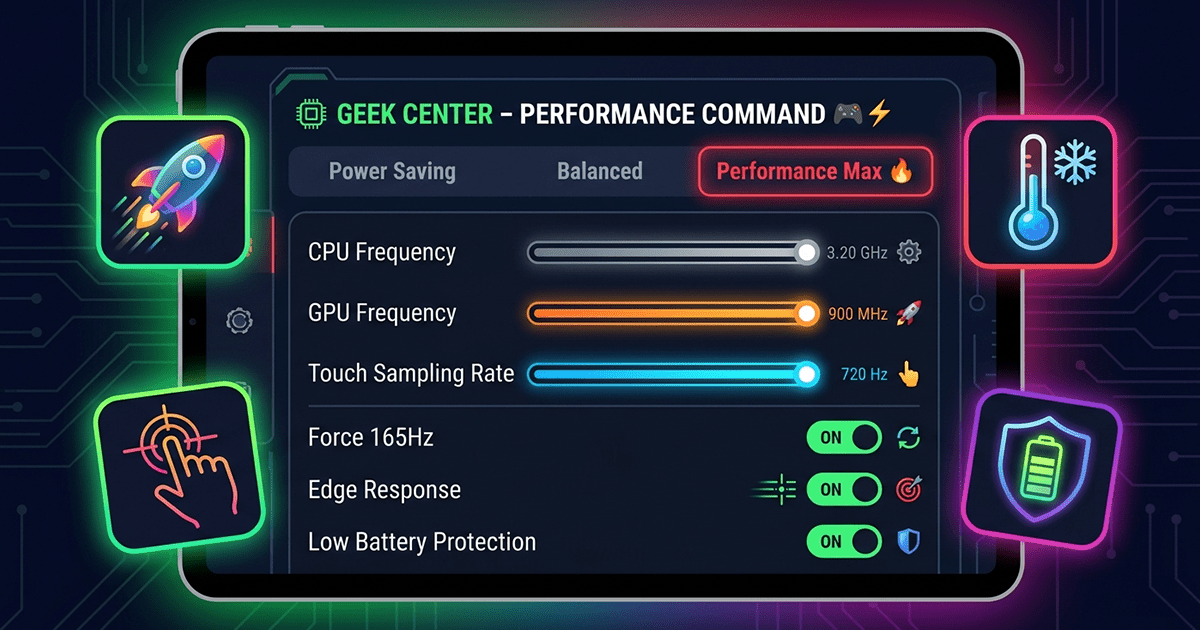
- Gaming Phones ($700+): 144Hz or even 165Hz for professionals only.
📊 11. Quick Recommendation Table
| User Type | Recommended Rate | Reason |
|---|---|---|
| Average user (browsing, social media) | 60Hz or 90Hz | Doesn't need extreme smoothness; battery priority. |
| Casual gamer (occasional gaming) | 90Hz or 120Hz | 120Hz better for gaming, but 90Hz sufficient for most. |
| Competitive gamer (PUBG, COD Mobile) | 120Hz (or 144Hz) | Every extra frame matters for aiming. |
| Power user (multitasking, heavy scrolling) | 120Hz with Adaptive | Smooth scrolling between apps with battery savings. |
🔮 12. What Comes After 144Hz? 165Hz and 240Hz in Phones?
Some gaming phones like the Asus ROG Phone 9 Pro now offer 165Hz, and there are rumors about 240Hz. However, the reality is that the difference between 144Hz and 165Hz is almost imperceptible on a phone-sized screen. These numbers are often more for marketing than real-world benefit for average users. We recommend focusing on overall display quality (color accuracy, brightness, HDR support) rather than just the refresh rate number.
✅ Final Verdict: Which One Should You Buy?
After this comparison, the answer depends on your budget and needs. If you're a gamer or spend hours scrolling, 120Hz with Adaptive Refresh Rate offers the best balance of smoothness and battery life. If you're on a tight budget, 90Hz will give you a significant upgrade without breaking the bank. 60Hz is now only suitable for basic tasks. And 144Hz is for professionals and enthusiasts chasing the highest numbers. Choose wisely, and don't let marketing numbers fool you.