On-Device AI vs Cloud AI: What’s the Real Difference? - Complete Guide
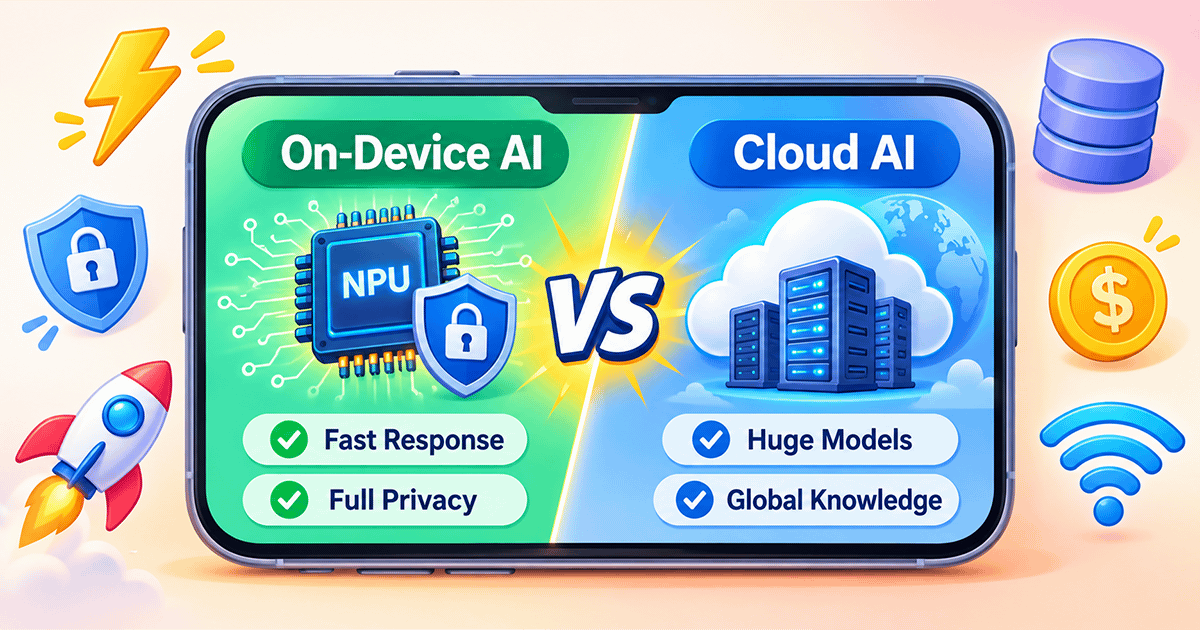
⚖️ On-Device AI vs Cloud AI vs Hybrid AI: Key Differences and Detailed Comparison
Every time you use your phone’s voice assistant, translate a sentence, or edit a photo, something invisible happens in the background: either your phone does the work itself, or it sends your request to a remote server. This is the core difference between on-device AI and cloud AI. In 2026, this is no longer just a technical debate—it is an architectural decision that affects privacy, speed, cost, and your daily experience. In this guide, we break down both approaches, reveal their strengths, and explain why the world is moving toward a hybrid model that combines the best of both.
🧠 1. What Is Cloud AI?
Cloud AI is the model we have grown used to since the rise of ChatGPT. In this approach, your device—phone, laptop, or even car—sends your request over the internet to a massive data center, where giant AI models run on powerful processors (GPUs) to produce a response. The result is then sent back to your device. This is the model behind most virtual assistants today, and it is responsible for the impressive achievements we see in text, image, and video generation.
The power of this approach lies in its almost unlimited resources. Cloud servers can run models with trillions of parameters, access enormous databases, and perform complex computations in seconds. But this comes at a cost: complete dependence on an internet connection, latency that depends on network quality, and growing concerns about the privacy of data leaving your device.
Cloud AI is like ordering food from a fine-dining restaurant. You send the order (your data), the chef (the server) prepares it, and the meal (the result) arrives. The restaurant has huge equipment and rare ingredients, but you depend on delivery (the internet), and it may take time.
📱 2. What Is On-Device AI?
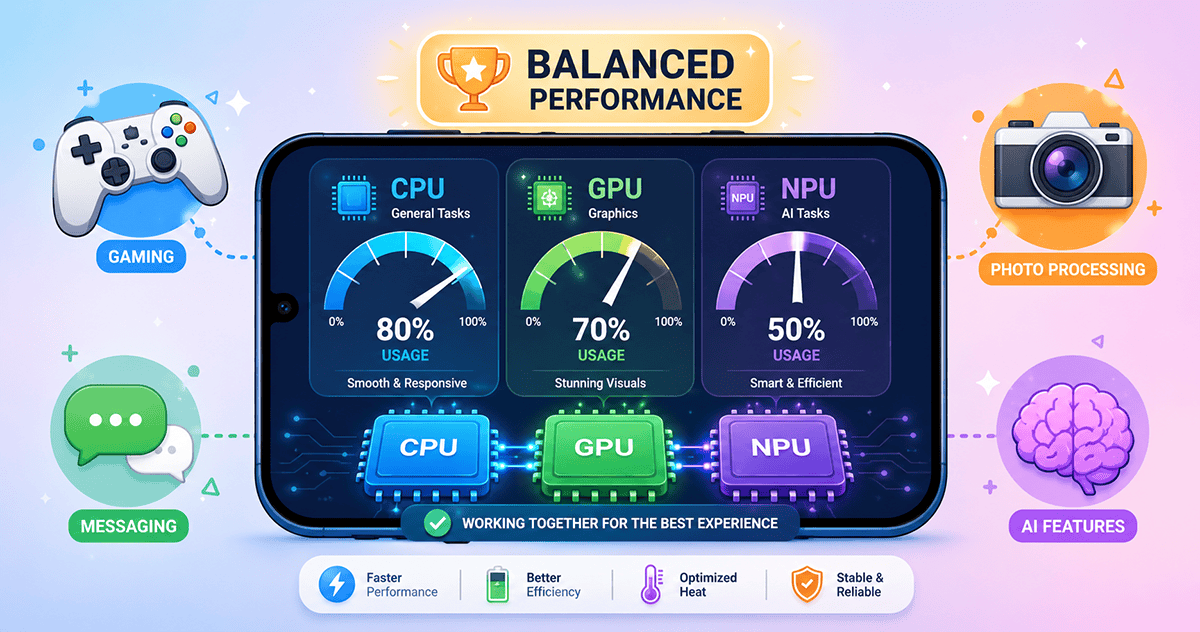
On-device AI is the exact opposite. Here, AI operations are executed entirely inside your device, without sending any data outside. “Small” language models (SLMs) run on dedicated processors called Neural Processing Units (NPUs), which are designed to accelerate AI-related computations with high efficiency and low power consumption.
How can an AI model run on a phone? Through techniques such as quantization, which reduces the precision of the numbers representing the model’s weights (for example, from 32-bit to 4-bit), drastically shrinking its size without major performance loss. The result is a model that can live inside your phone, respond in fractions of a second, work without an internet connection, and keep your data yours alone.
On-device AI is like cooking a meal in your own kitchen. You own the ingredients (your data), you cook it yourself (your phone), and you eat immediately (instant response). No one sees what you are doing, and you don’t have to wait. You may not have a giant industrial oven, but you get a hot, tasty meal exactly when you want it.
🆚 3. Head-to-Head: Cloud vs On-Device
To make the differences clearer, here is a table comparing the two approaches across the most important dimensions:
🏆 4. Advantages and Drawbacks of Each Approach
🔹 Cloud AI: Absolute Power
- Pros: Exceptional capabilities thanks to huge models; easy updates and maintenance from a single side; does not consume your device resources; ideal for complex tasks such as video generation and deep analysis.
- Cons: Requires internet; variable latency; privacy concerns; ongoing operational cost; may not work in remote areas.
🔹 On-Device AI: Privacy and Speed
- Pros: Complete privacy (data never leaves your device); instant response; works offline; no per-request cost; reduces bandwidth usage.
- Cons: Limited capabilities due to model size; may consume device battery; requires modern hardware with NPU support; updates depend on the manufacturer; may not be suitable for complex tasks.
📊 Important Fact: Research shows that on-device AI can provide significantly lower latency. In some applications, on-device inference can be dozens of times faster than cloud inference, with much higher privacy. However, cloud models still lead in accuracy for complex tasks.
🔮 5. The Future: Hybrid AI
The answer to “which is better?” is not “this” or “that.” The dominant trend in 2026 is hybrid AI, where the two approaches cooperate. The idea is simple: use on-device AI for fast, repetitive, privacy-sensitive tasks (such as smart replies, real-time translation, and image enhancement), and use the cloud for complex tasks that require huge models (such as deep research, video generation, and complex analysis).
This approach allows intelligent task distribution. For example, your phone can convert your voice to text locally (privacy and speed), then send only the text (after anonymization) to the cloud for summarization or analysis. This reduces the amount of sensitive data leaving your device, saves cost, and ensures fast response. Projections suggest that a large share of enterprise inference workloads will move to edge devices by 2030, reinforcing this hybrid direction.
✅ Conclusion: Which Should You Choose?
There is no absolute winner. The choice depends on your needs:
- If privacy and speed are top priorities: Look for a phone or app that supports on-device AI. You will notice the difference in daily tasks, and you will feel safer because your data never leaves your device.
- If you need maximum capabilities for complex tasks: Cloud AI remains the best choice, provided you are willing to deal with connectivity requirements and privacy concerns.
- The optimal solution today: A hybrid system that combines both. Check that your phone or apps support this approach, and enjoy the best of both worlds: device speed and privacy, plus cloud power when needed.
In the end, AI is not “either/or.” It is a spectrum. As technology advances, the boundaries between device and cloud become blurrier, and the ultimate goal is to deliver an intelligent, seamless, and secure experience wherever you are.